AI Interior Design.Redesign any room
from a photo.
Upload a photo of your room. Get photorealistic redesigns in ~30 seconds.
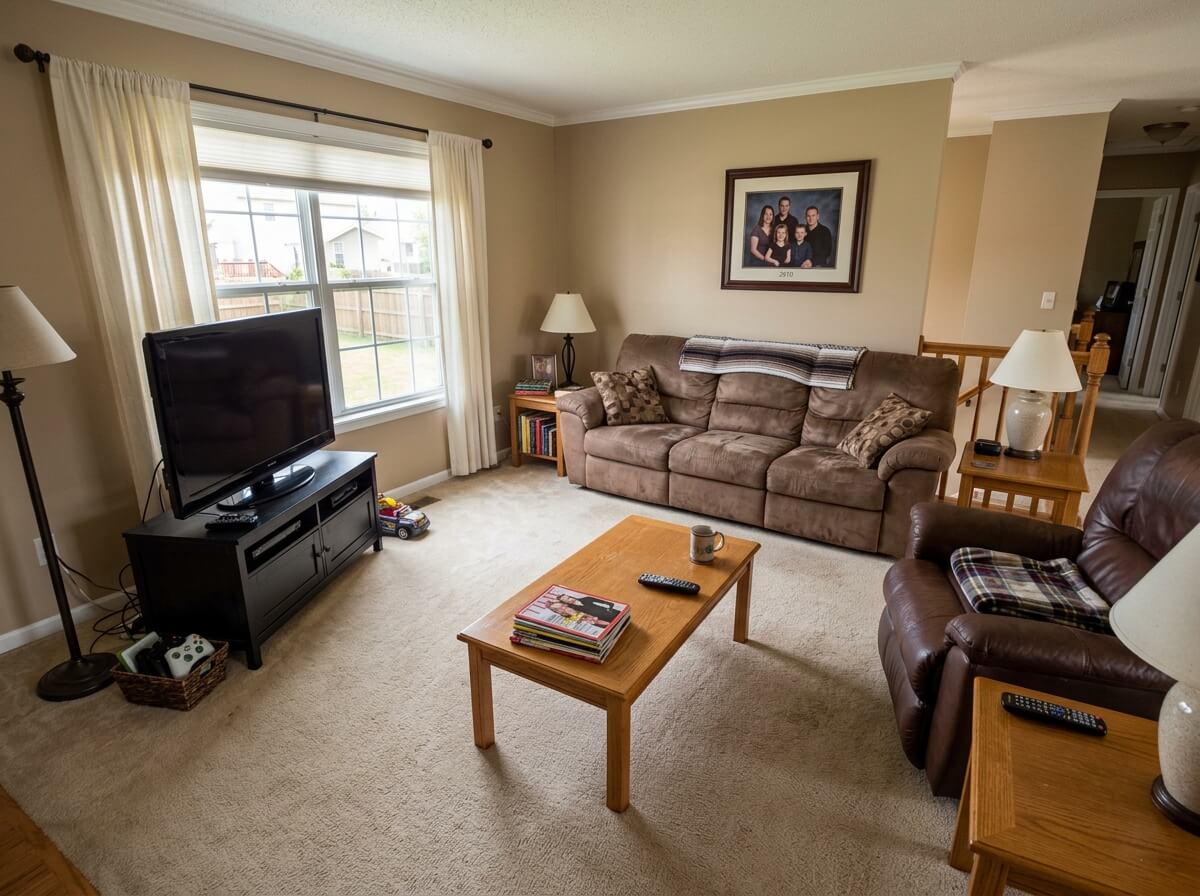
1 free redesign · no signup
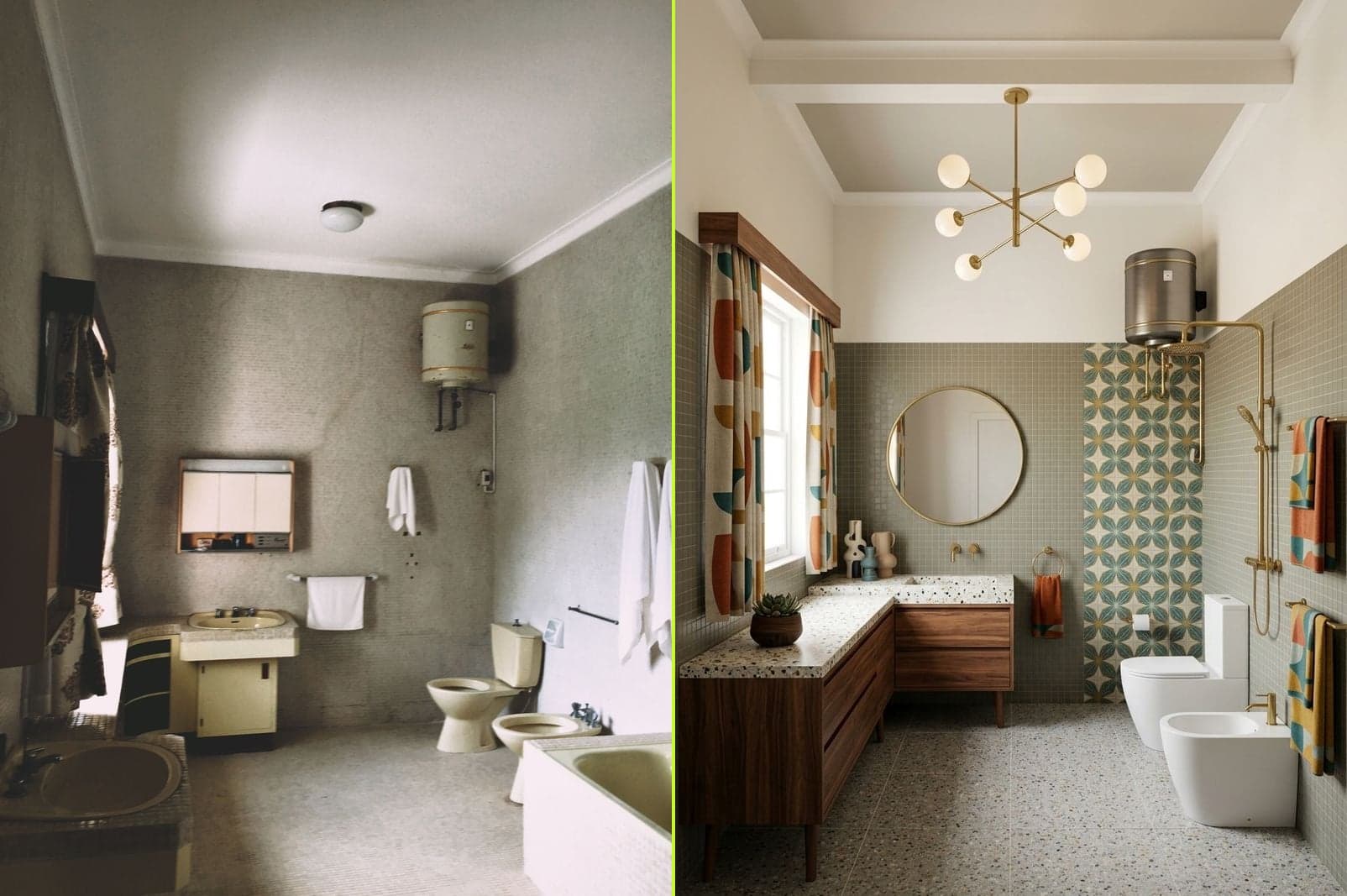
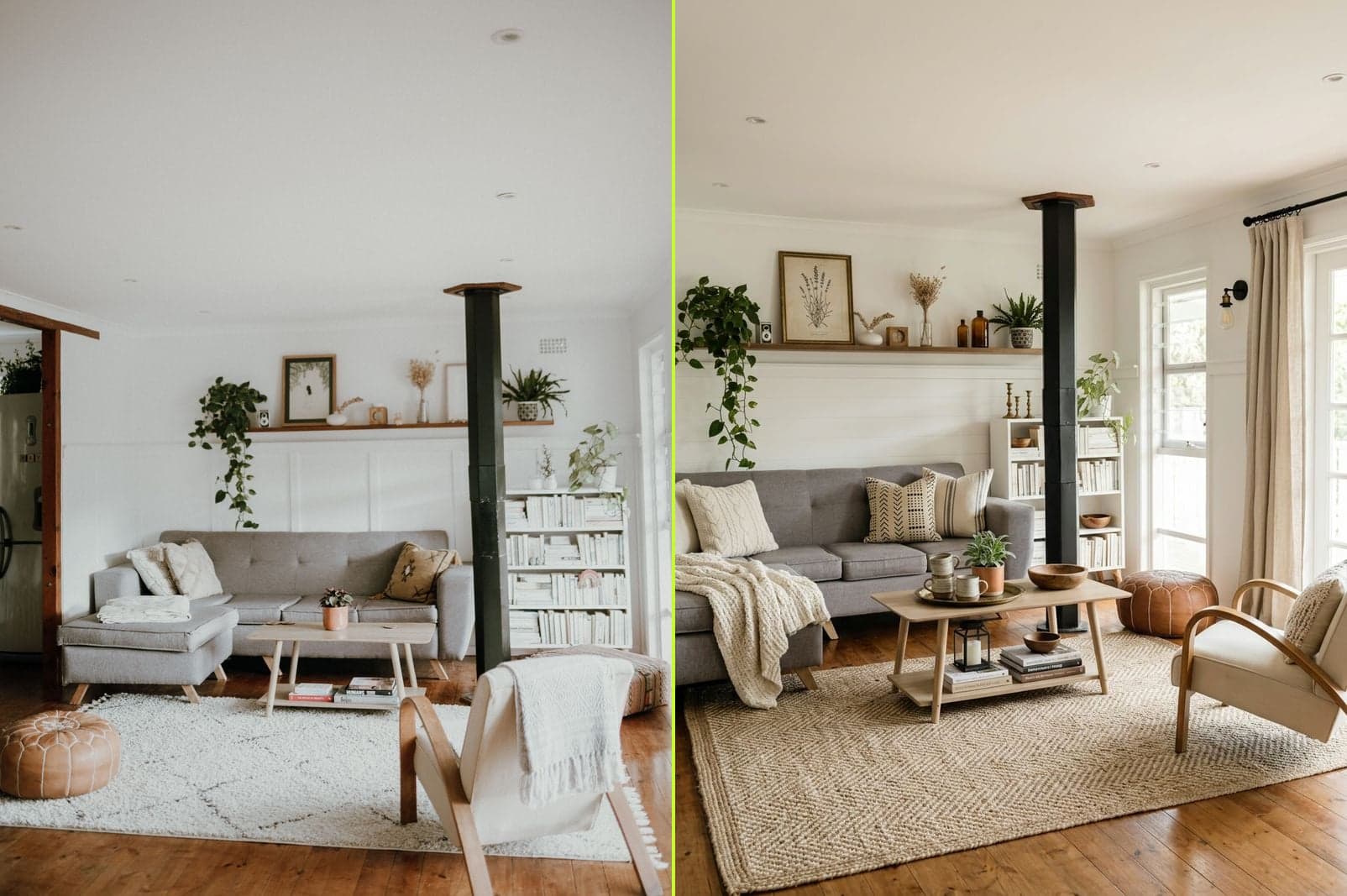
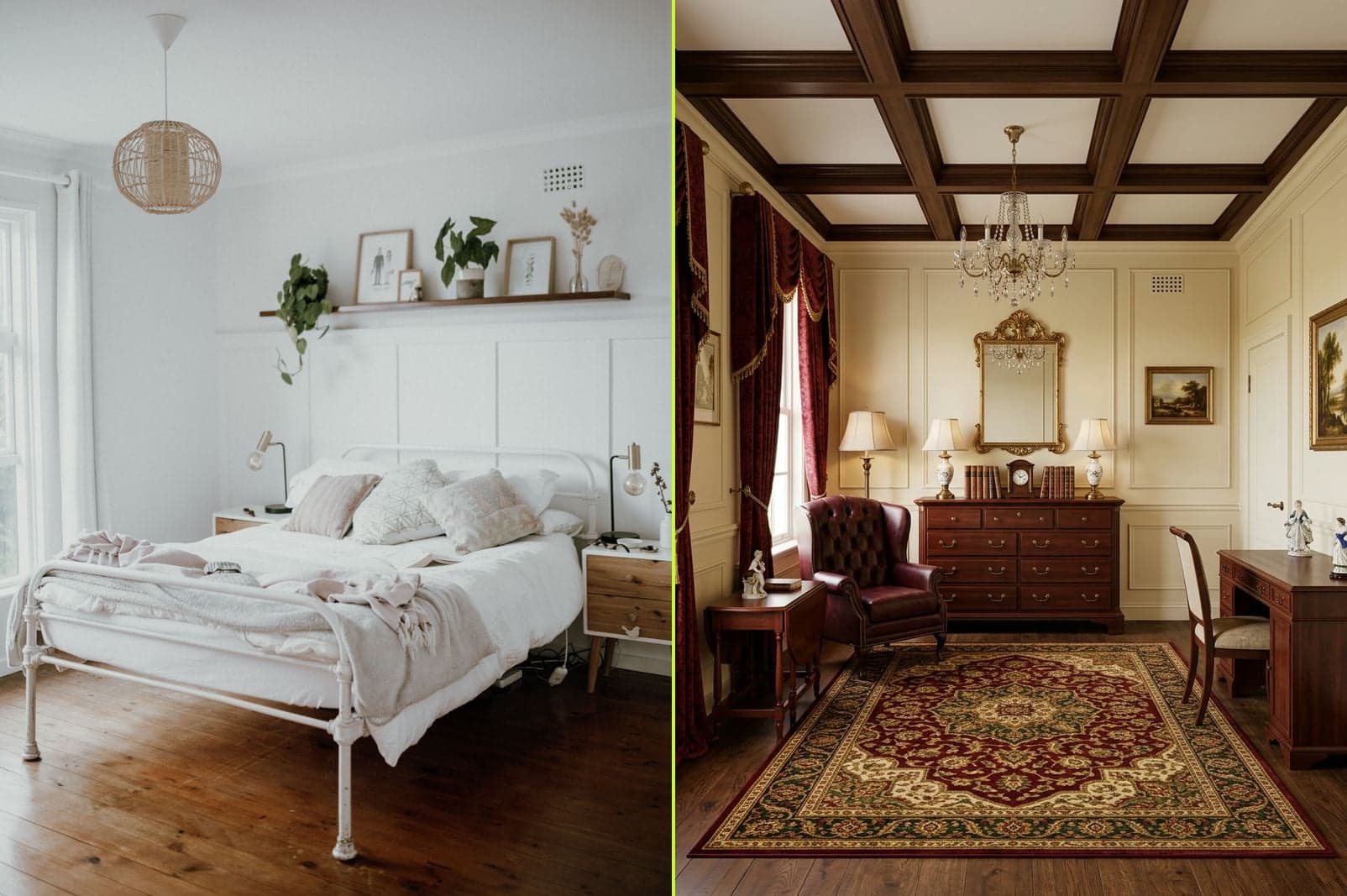
AI Interior Design Before & After — Real Room Redesigns.
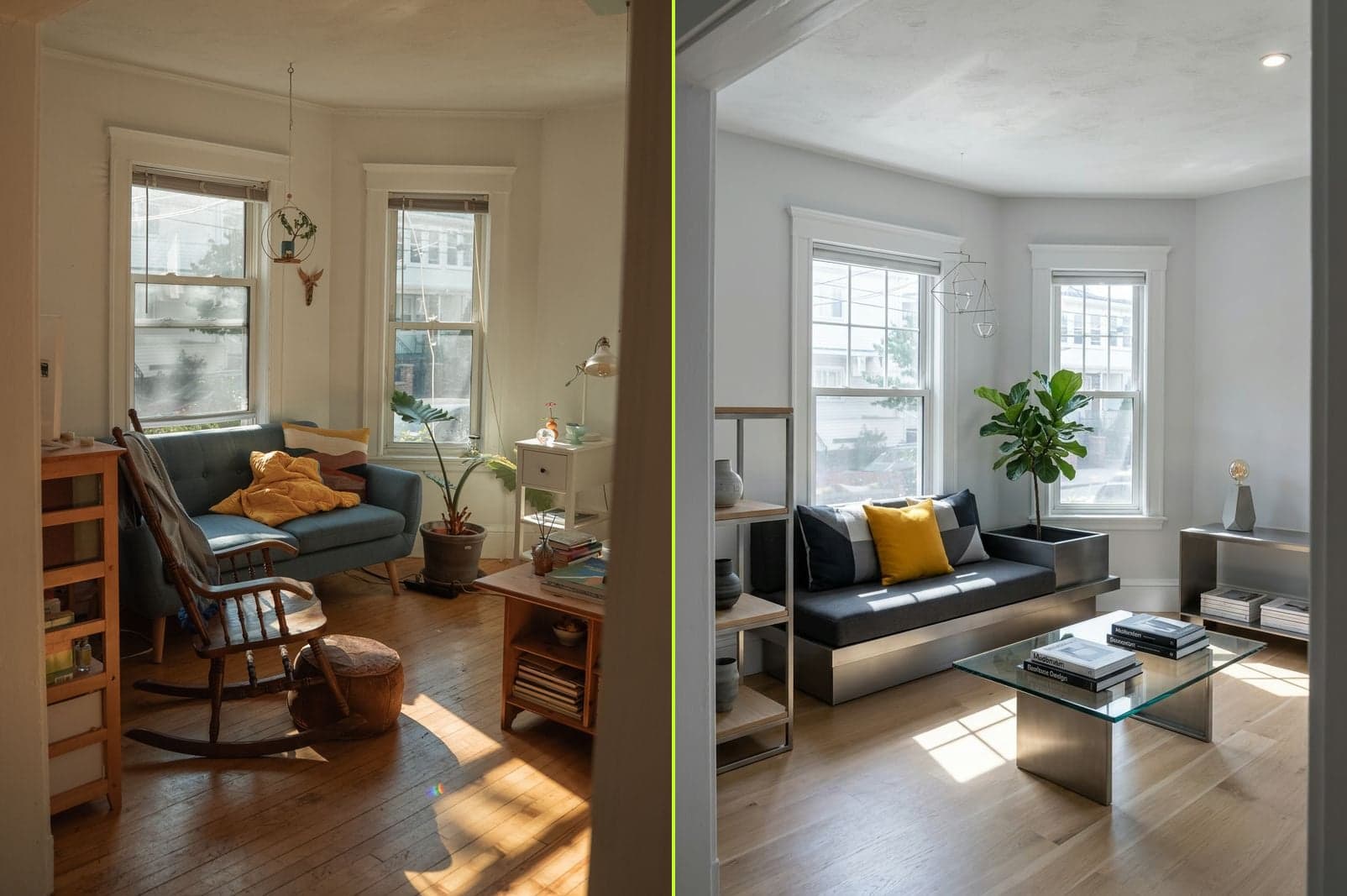
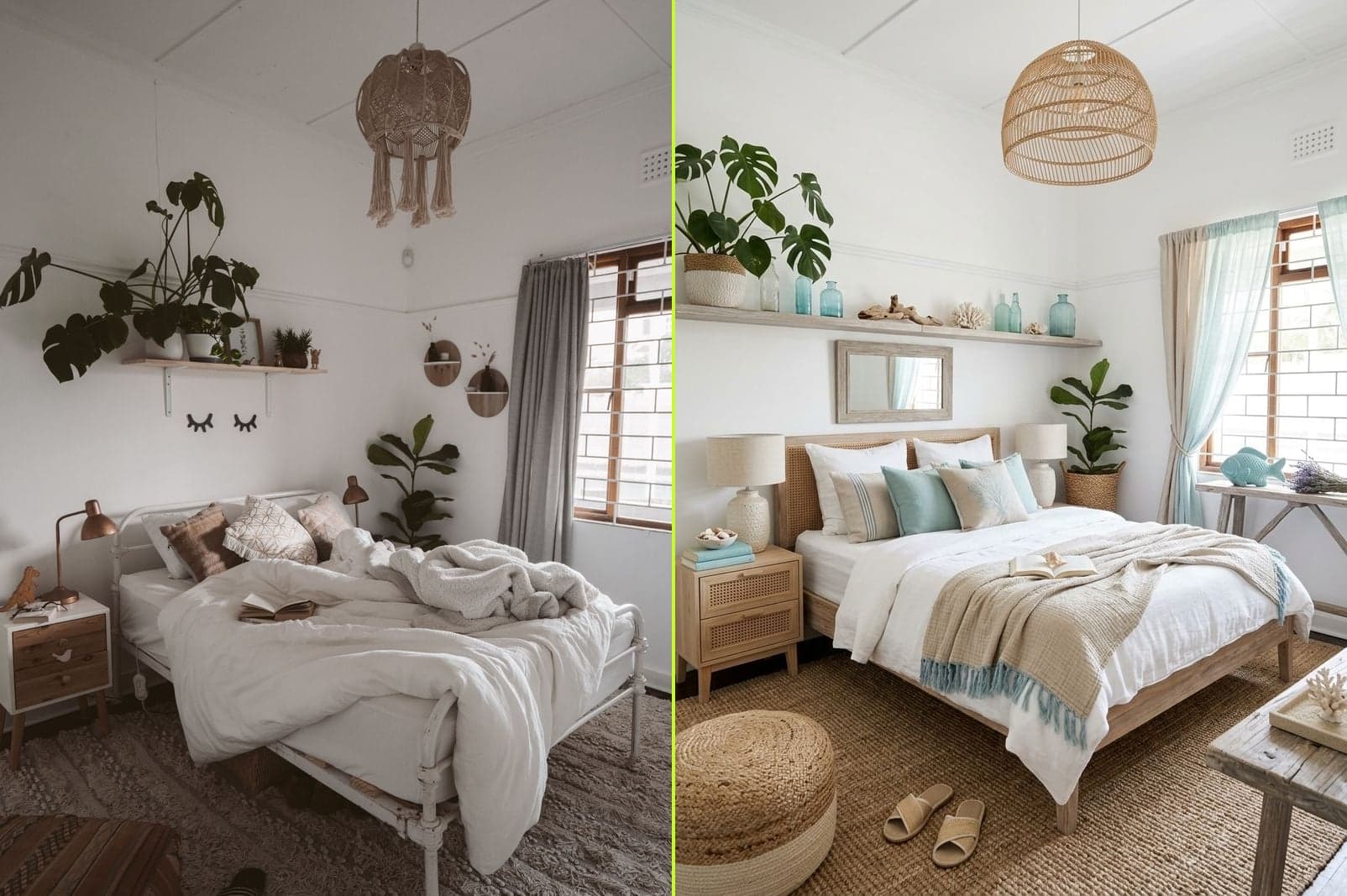
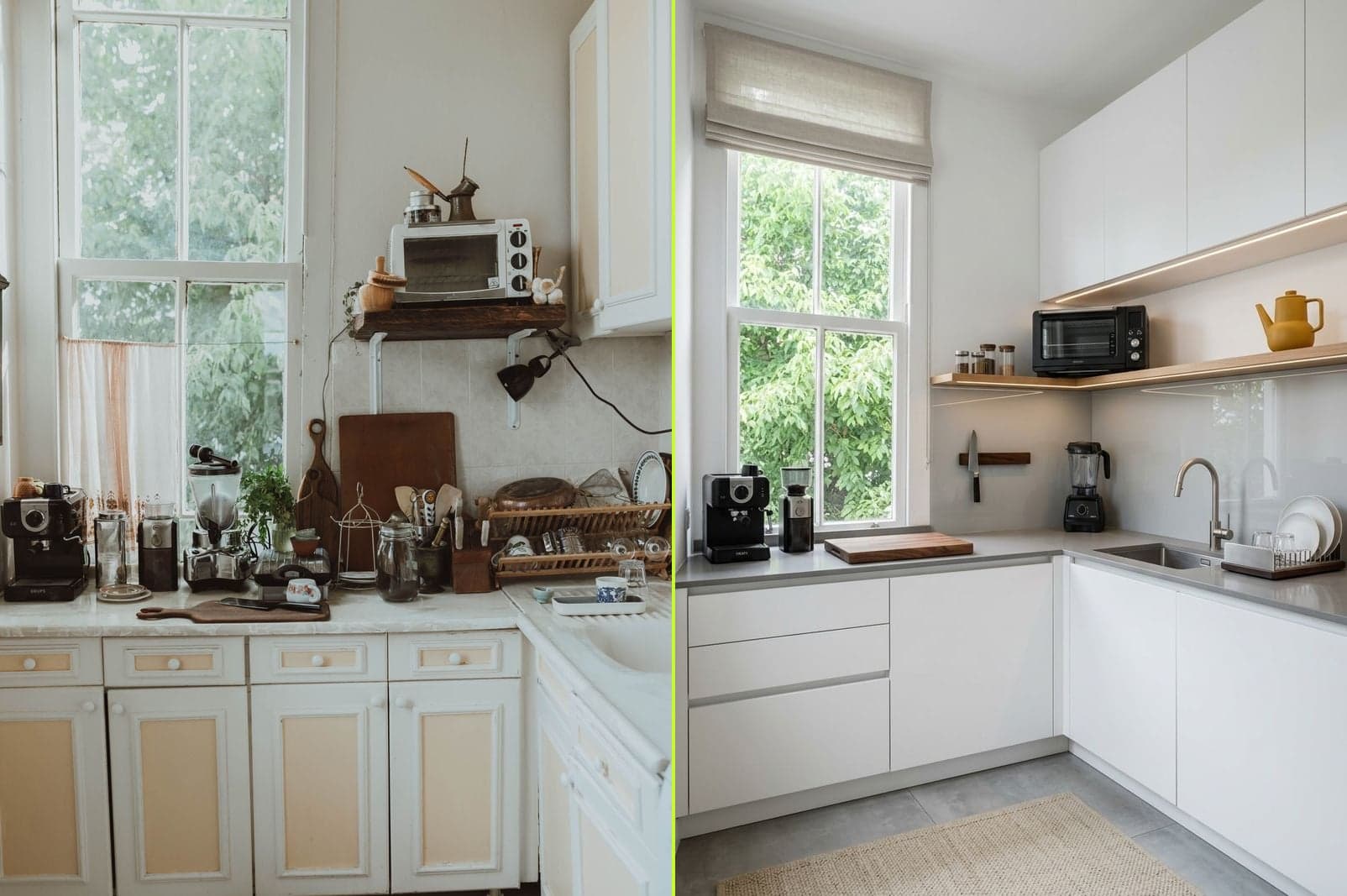
Every image below is a real room, redesigned by our AI in about 30 seconds. Browse living rooms, bedrooms, kitchens, and bathrooms across four levels of redesign — Tidy, Designer, Renovate, and Rebuild.
How AI Interior Design Works.
- Step 01
Upload a photo
Snap or upload any room. Phone photos work fine — no floor plans, no 3D modeling.
- Step 02
Pick your tier
Choose Clean (declutter only), Decorate (soft goods), Renovate (refurnish), or Rebuild (full redesign).
- Step 03
Get your redesign
Photorealistic result in ~30 seconds. Try different tiers or styles instantly.
AI Room Design →
Powered by our AI room design engine.
Built for real rooms, not stock renders.
Four levels of redesign
From gentle decluttering to full room reimagination — you choose how much changes.
Keep the furniture you love
Lock any piece and let AI restyle the rest around it. Perfect for renters and heirlooms.
Photorealistic, not cartoon
Real lighting, real materials, real proportions — nothing stock-render about it.
Free without login
Your first redesign takes zero signup. Try three tiers before you decide to save results.
Try it free →Simple credit packs. No subscription.
One credit = one AI redesign. Credits don’t expire on a cliff. Buy once, use them across every room in the house.
Starter
60 redesigns to lock in the direction for one room — before you spend on furniture.
See details →Pro
Redesigning more than one room? This pack covers a whole home — every style, every tier.
See details →Studio
500 redesigns spans every room and every renovation phase — planning territory for a full-house build.
See details →Frequently Asked Questions.
What is AI interior design?
AI Interior turns a photo of your current room into photorealistic redesign previews in about 30 seconds. Upload the room, pick a makeover tier and a target style, and see how it could look — great for exploring styles before you buy new furniture or commit to a renovation. It's a visualization tool that works from real room photos, not a replacement for an architect's floor plan or construction drawings.
Is AI interior design really free to try?
Yes. Your first AI redesign on AI Interior is free with no signup required. Sign in with Google and you get one more free credit. After that, credits are sold in one-time packs — no subscription, credits never expire.
See how our free tier compares →How does AI room design work here?
You upload a photo of your room, pick a makeover tier (Clean, Decorate, Renovate, or Rebuild), and optionally choose a target style such as Modern, Scandinavian, or Modern Farmhouse. Our AI then redesigns the space while respecting the room's shape and lighting — and, when you want, the furniture you already own.
What can I do with the 4 makeover tiers?
Clean only declutters — keeps everything, just tidies the scene. Decorate refreshes soft goods (bedding, rugs, art, plants) but keeps your furniture in place. Renovate replaces the furniture and finishes while keeping the room structure. Rebuild redesigns the whole space and lets you pick any style — the room shape stays, everything else is up to the AI.
Can I use my own room photo?
Absolutely. A regular phone photo works fine — even iPhone HEIC. Better lighting and a wider angle give the AI more room to work, but you don't need a professional camera or a floor plan. Every AI room redesign starts from your actual space.
Which rooms does AI Interior work for?
Living rooms, bedrooms, kitchens, bathrooms, home offices, dining rooms — anything with visible walls and furniture works. Kitchens and living rooms tend to see the most dramatic AI redesigns because there's the most surface area to rework.
How much does an AI redesign cost?
One credit = one AI redesign. Credit packs start at $9 for 60 credits (Starter), $19 for 150 credits (Pro), or $49 for 500 credits (Studio). No monthly fee, no auto-renew, and credits never expire — buy once, redesign at your own pace across every room in the house.
See pricing →Are my room photos used to train the AI?
No. Your uploads are used only to generate your own AI redesign, then stored so you can revisit them in your workspace. We don't feed your photos into model training and we don't share them with third parties beyond the generation provider needed to produce your result.