Tool · Free AI Interior Design
Free AI Interior Design · No Signup, No Watermark
Redesign any room from a photo with the free AI interior design tool that doesn't punish you for not paying. Compare 6 free AI interior design tools side by side — see why AI Interior gives you the most usable free tier.
| Tool | Free credits | Signup? | Watermark? | Commercial use? | HD download? |
|---|---|---|---|---|---|
| AI Interior | 1 anon + 1 Google = 2 | No (1st render) | No | Yes | Yes |
| Reroom.ai | 3 / day | Yes | Yes | No | — |
| RoomGPT.io | ~5 total | Yes (Google) | Yes | No | No |
| Homedesigns.ai | 3 / day | Yes | Yes | No | No |
| Decoratly | 2 total | No | Yes | — | No (web res) |
| Reimaginehome | 5 total | Yes | — | — | No (Pro only) |
Data collected 2026-09-10 from each tool's pricing/landing pages. "—" means the tool doesn't state this on its public pages.
What "Free" Actually Means Here
Most free AI interior design tools bait-and-switch you into a paywall after one click. AI Interior's free tier is designed to actually let you finish a room redesign, not just tease one.
1 free AI interior design · no signup
Your first render costs nothing — no email, no Google account, no credit card. Upload a photo, pick a level and style, get a photorealistic redesign in about 30 seconds. This is the only free AI interior design tool with a real "try before you decide" render.
+1 more free render
Sign in with Google (no email password to invent) and get a second free AI interior design render. Your work is saved to your account so you can come back to it. Still no watermark, still HD, still commercially usable.
$9 / $19 / $49 · no subscription
When you want more, credits are one-time purchases (starting at $9 for 60 renders) — never a monthly subscription. Credits don't expire on a cliff. This is important because free AI interior design at other tools quietly becomes a subscription trap.
How Free AI Interior Design Works
- Step 1
Upload a room photo
Phone photo is fine. No signup needed for your first free AI interior design render — just drop it in.
- Step 2
Pick a level and style
Four levels (Tidy, Designer, Renovate, Rebuild) × six styles. Any combination works on the free tier — no feature is locked behind paid.
- Step 3
Get your free redesign in ~30 seconds
Photorealistic output. No watermark on your free AI interior design. HD download from the moment it appears.
- Step 4
Sign in with Google for one more
Want to try a different style on the same room? Sign in with Google — one more free AI interior design render, same quality, no strings.
5 Ways to Get More Free AI Interior Design Credits
The 2 default free renders are just the start. Here are five legitimate ways to keep the AI interior design tool free for longer.
- 01
Sign in with Google (+1 credit)
The single biggest free bump — costs you nothing and doubles your free AI interior design tries.
- 02
Use the sample rooms first
The pre-made sample rooms in the Hero don't cost a credit — try every style on every room type before you burn your free render on your own photo.
- 03
Refer a friend (coming soon)
A referral bonus is planned — 1 friend signs up = +5 free credits for both of you. Keep an eye on this page for launch.
- 04
Seasonal promos (Halloween / Thanksgiving / holidays)
The redesign season peaks in Oct–Dec. Bookmark this page — seasonal free credit drops go here first, then to email subscribers.
- 05
Feedback that leads to a feature (case-by-case)
Send a thoughtful bug report or feature suggestion via the feedback widget (bottom right). Ideas we ship get credited back with a stack of free renders.
Free vs Paid · What Actually Changes
The free AI interior design tier is not a demo. Here's what a paid credit adds that the free tier doesn't.
| Feature | Free | Paid |
|---|---|---|
| Photorealistic quality | Same | Same |
| All 4 levels + 6 styles | Yes | Yes |
| No watermark | Yes | Yes |
| HD download | Yes | Yes |
| Commercial use | Yes | Yes |
| Number of renders | 2 (1 anon + 1 Google) | 60 to 500 per pack |
| Re-roll a result | Costs a credit | Costs a credit |
| Save & revisit later | Google sign-in | Yes |
Popular Free AI Interior Design Styles
Modern
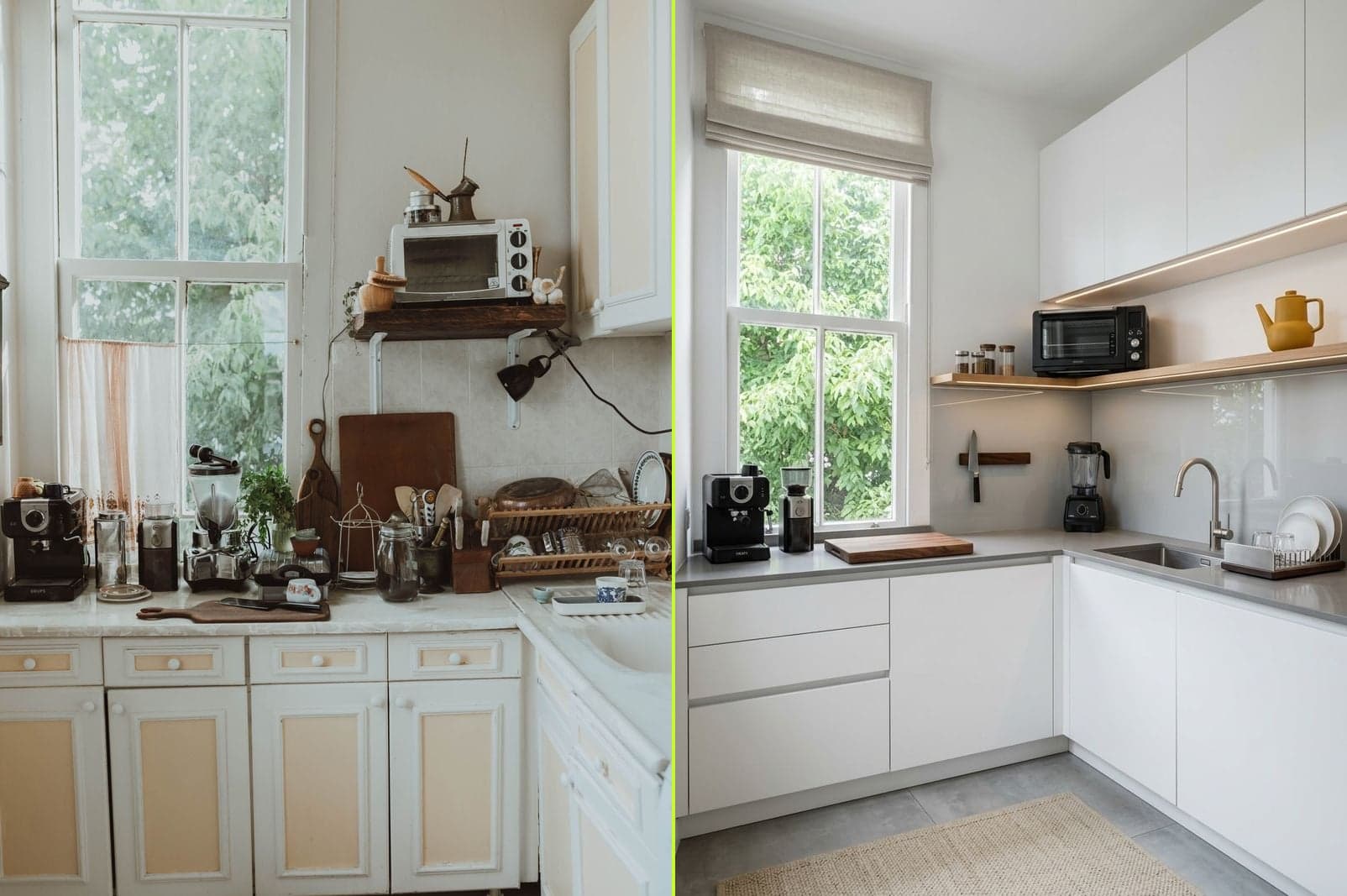
Clean lines, neutral palette, minimal ornament. The safe default for a first free AI interior design test — flatters kitchens, living rooms, and offices.
Scandinavian
Light woods, soft whites, cozy textiles. Free AI interior design in Scandinavian feels bright and calm even in a small room.
Modern Farmhouse
Shiplap, warm woods, black accents. A popular free AI interior design pick for kitchens — high-contrast styling shows up well.
Mid-Century Modern
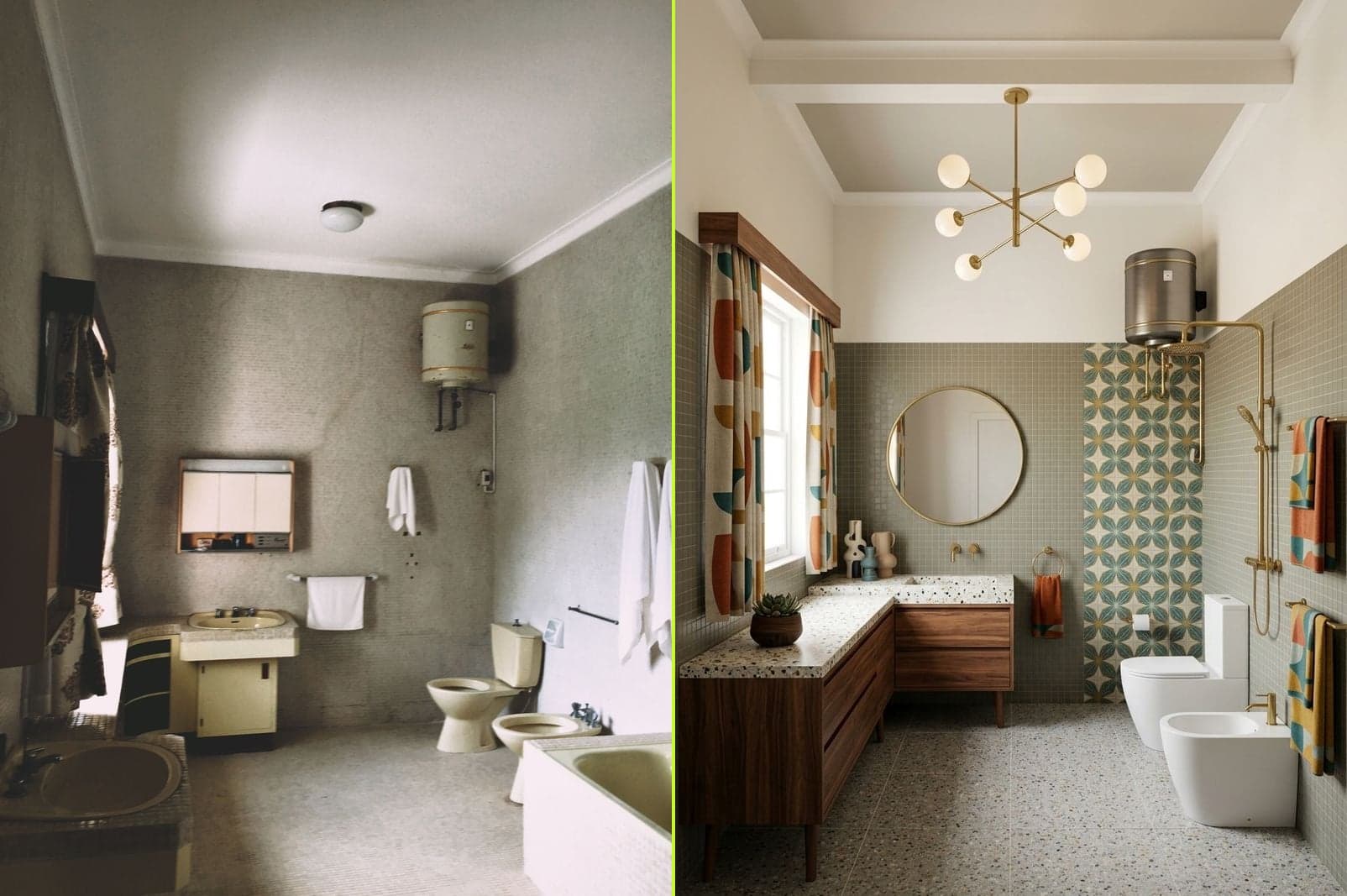
Walnut, brass, tapered legs. Free AI interior design in Mid-Century Modern gives a room instant retro-cool.
Coastal
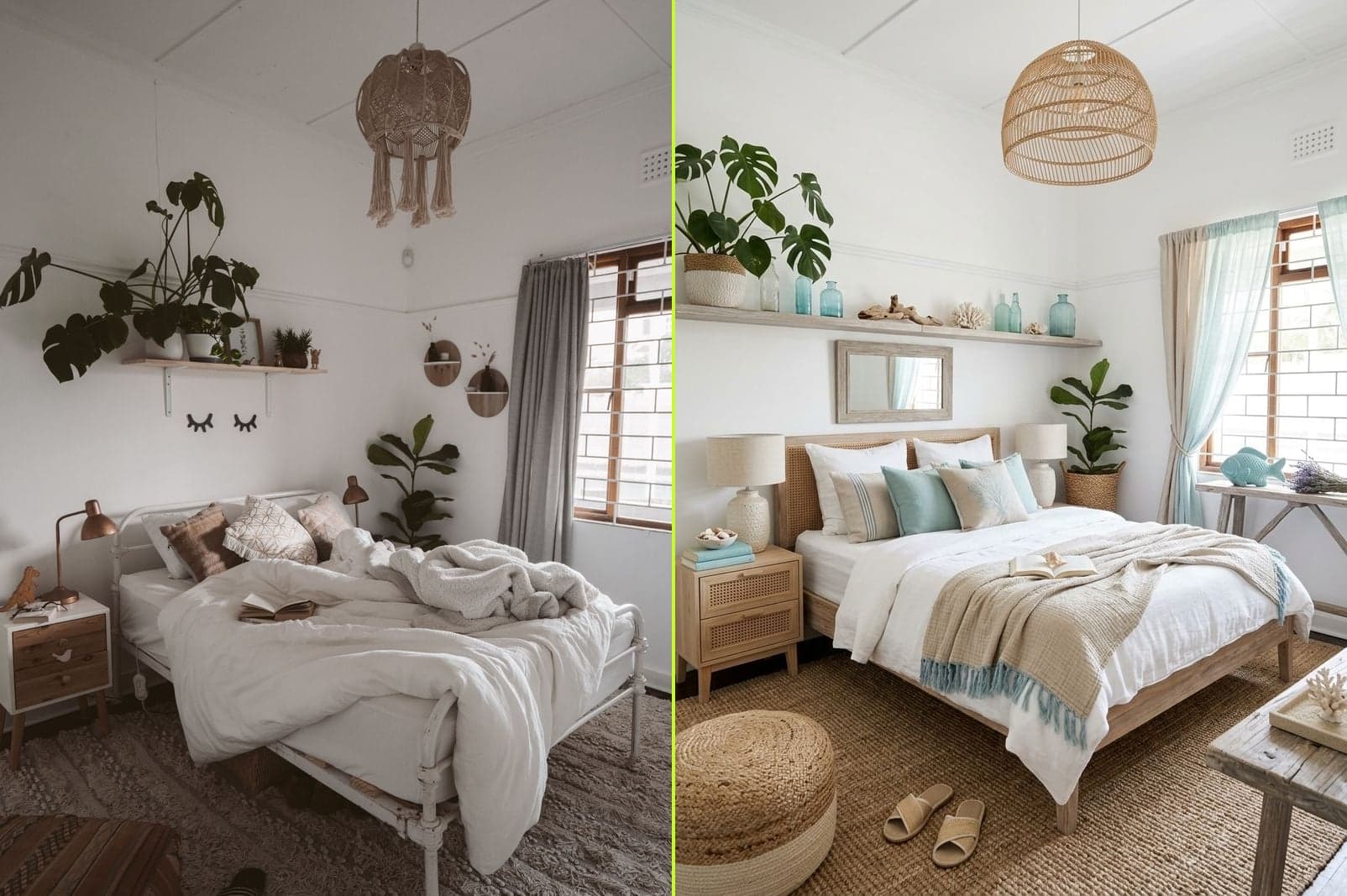
Rattan, linen, driftwood, soft blues. Free AI interior design in Coastal opens up small rooms — especially bedrooms and bathrooms.
Traditional
Rich woods, layered textiles, classic silhouettes. Free AI interior design in Traditional adds weight and warmth.
Real Free AI Interior Design Results
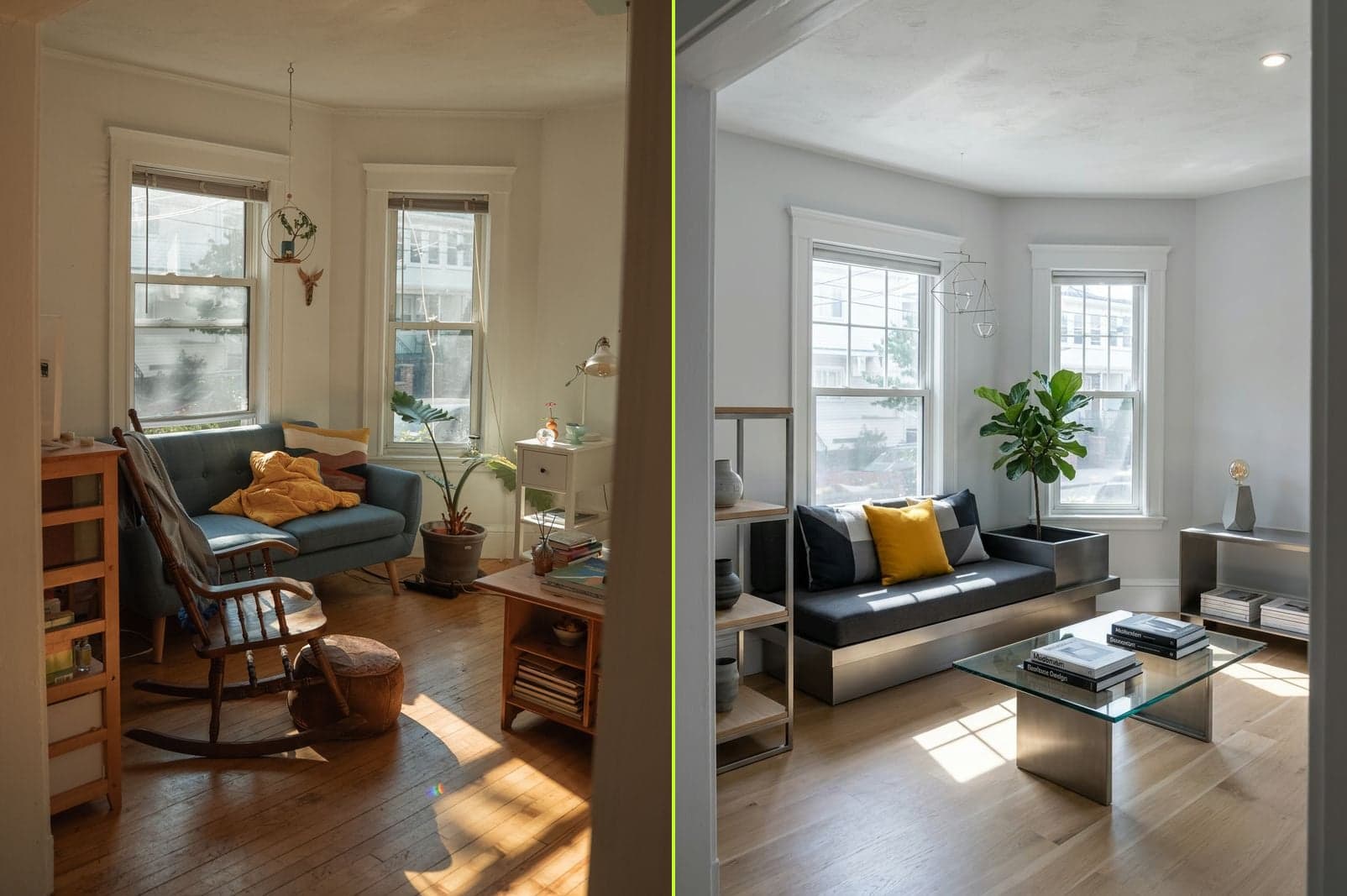
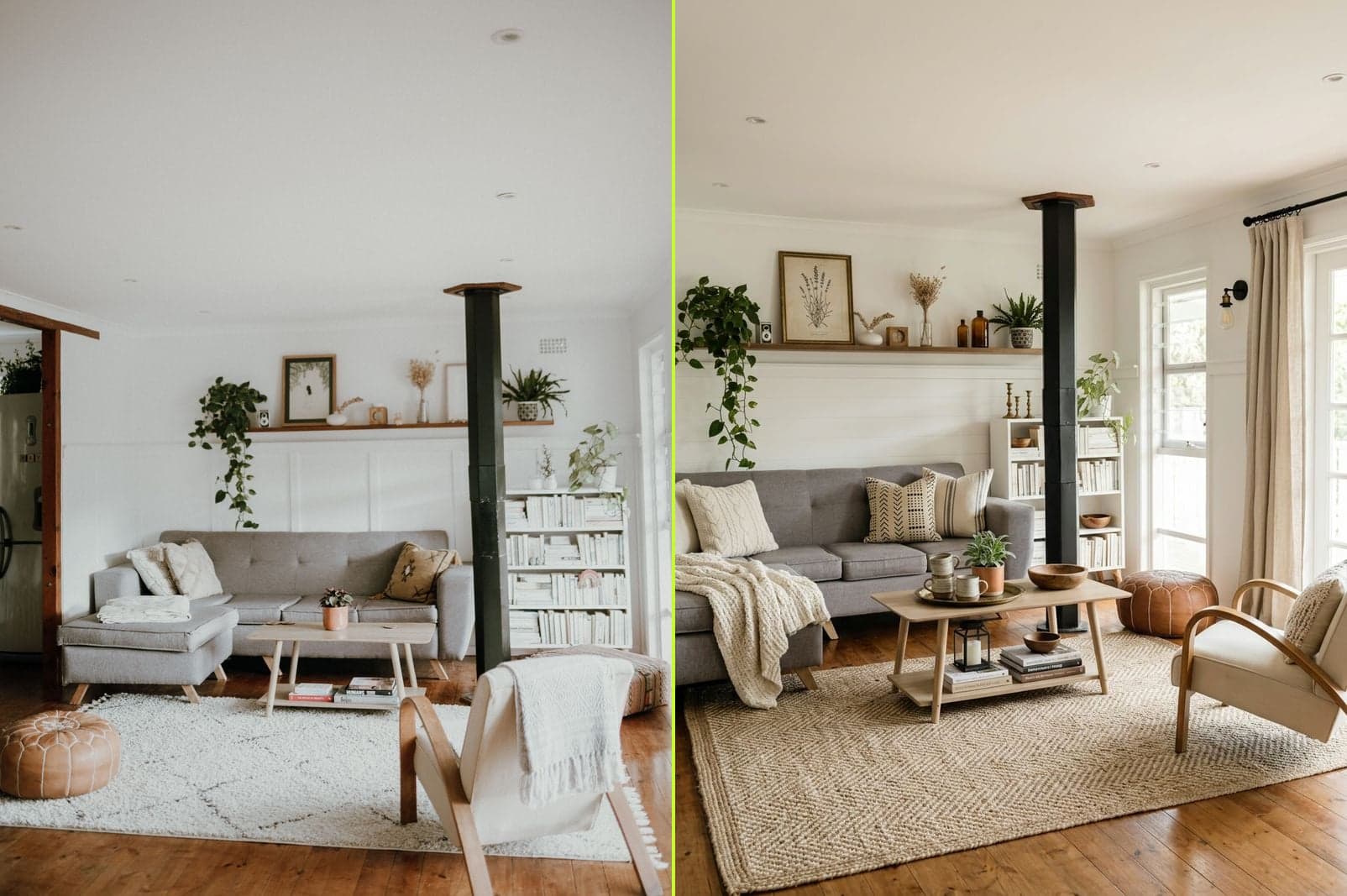
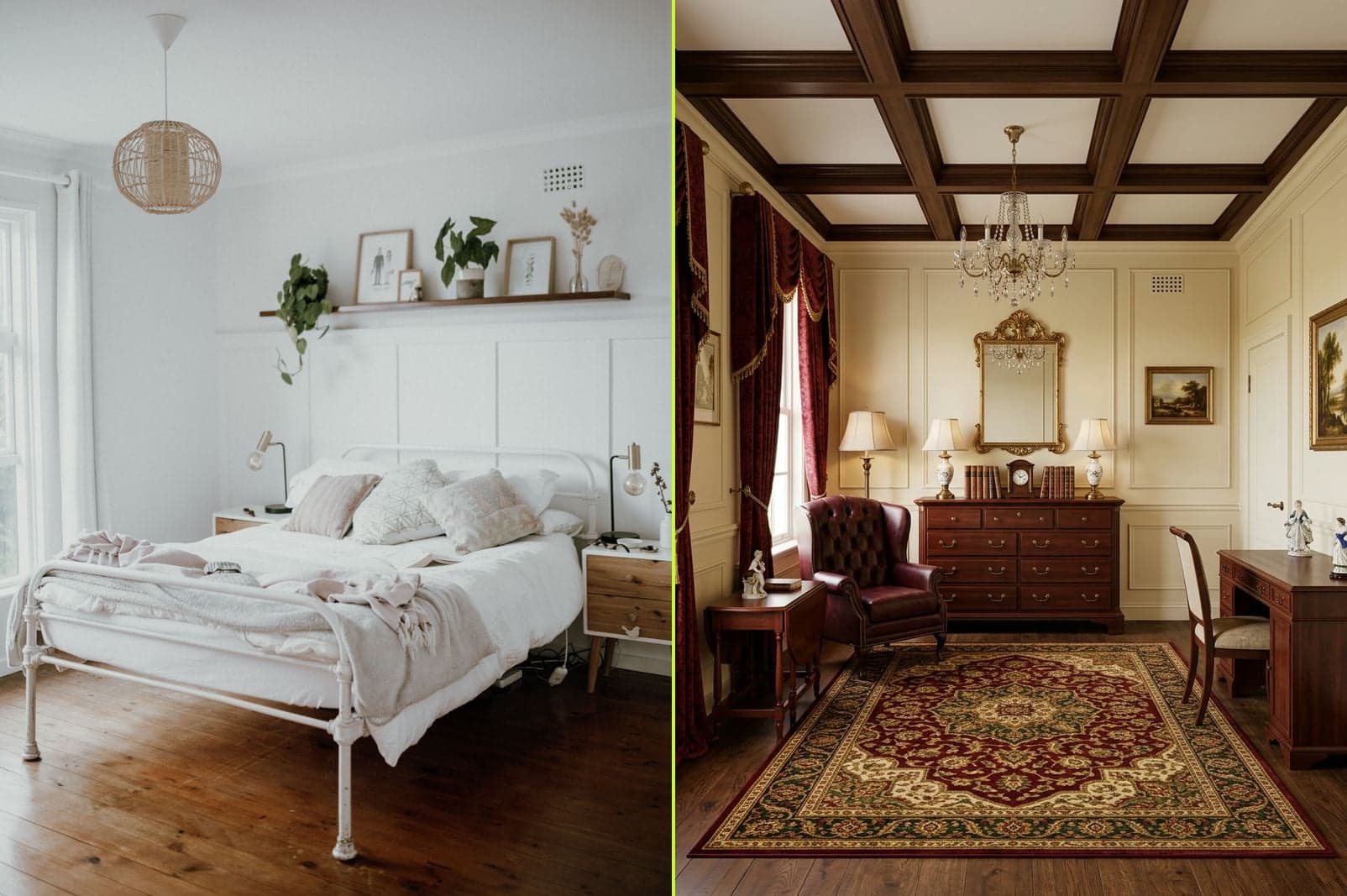
Every image below was made with the free AI interior design tier — no paid credits, no watermark added or removed. Same output as paid.
Try Free AI Interior Design on Your Own Photo
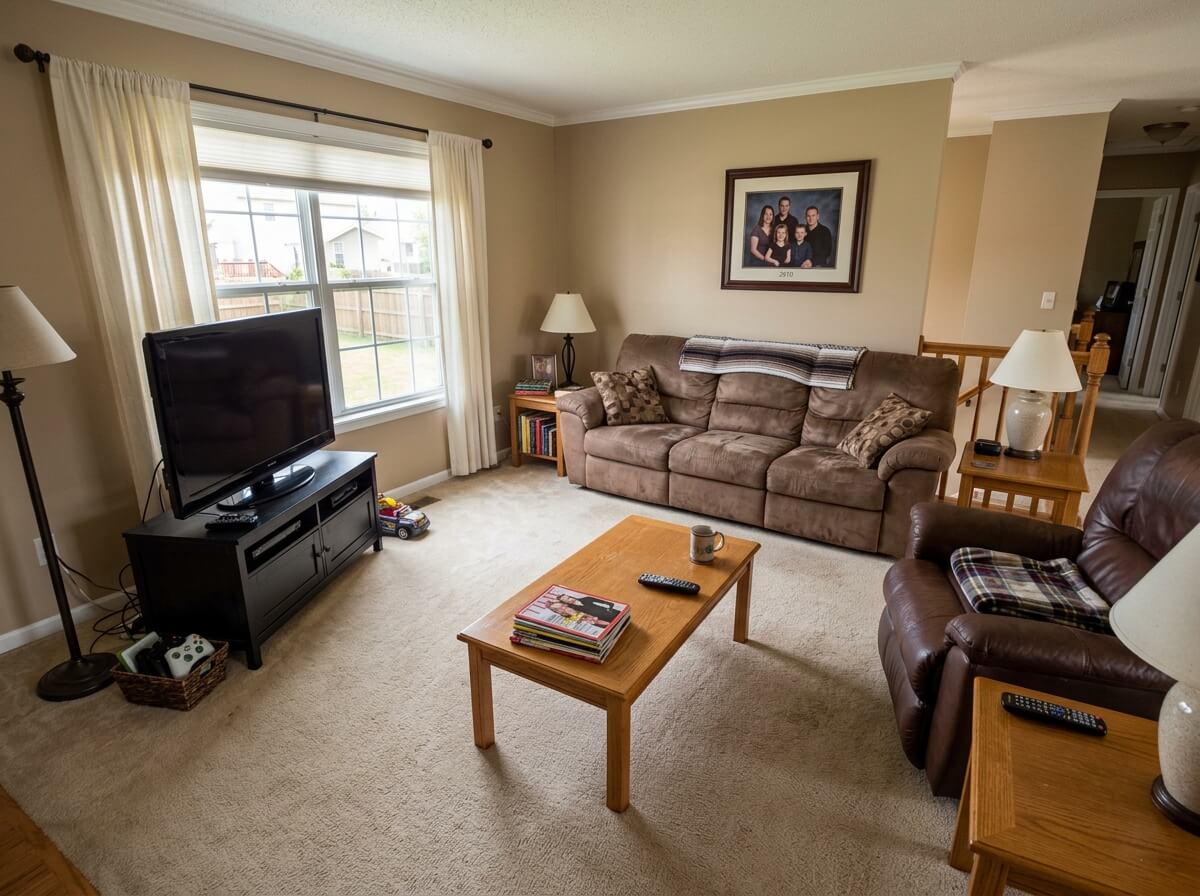
Your first free AI interior design render — no signup, no watermark, HD download, commercial use allowed.
1 free redesign · no signup
Free AI Interior Design · Frequently Asked Questions
Is AI interior design really free?
Yes — with AI Interior, your first free AI interior design render is genuinely free: no signup, no email, no credit card, no watermark. Sign in with Google (free) and you get one more free render. After that, credits are one-time purchases from $9 for 60 renders — never a subscription. Most other free AI interior design tools require signup and add a watermark, so it's worth checking the compare table above.
What's the catch with free AI interior design here?
There isn't one, honestly. The free AI interior design output is the exact same quality as paid: photorealistic, HD, no watermark, commercial use allowed. The only "catch" is that you get 2 free renders total (1 anonymous + 1 with Google sign-in) before you need to buy credits.
Do I need to sign up to try free AI interior design?
No — not for your first render. Just upload a photo and go. Sign in with Google only if you want your second free render or want to save your results.
Can I use free AI interior design output commercially?
Yes. Free AI interior design results from AI Interior can be used commercially — post them, share them with clients, put them in a portfolio. Many free AI interior design tools restrict commercial use to paid plans (see compare table above).
How many free AI interior designs can I make in total?
2 free renders per person: 1 anonymously, plus 1 more after signing in with Google. There is no daily reset — this is a one-time free trial, not a recurring free tier. Some competitors offer 3–5 renders per day but with a watermark and no commercial rights.
Does free AI interior design output have a watermark?
Not on AI Interior. Your free AI interior design result comes clean — no watermark, no brand logo, no "generated by" text. Reroom, RoomGPT, Homedesigns, and Decoratly all watermark their free tier outputs.
Can I download my free AI interior design in HD?
Yes. The download button appears the moment your free AI interior design result is ready — full resolution, no downgrade. Most competitors serve free tier output at web resolution and reserve HD for paid.
Which free AI interior design tool is actually the most usable?
By the numbers in the compare table: AI Interior is the only one where the free tier has no signup for the first render, no watermark, commercial use allowed, and HD download. Reroom gives more daily renders but adds a watermark. Decoratly is closest on the no-signup front but downgrades to web resolution.
Try Free AI Interior Design Right Now
One click. No signup. Photorealistic redesign in ~30 seconds.